How to scale UbID service
1. General Information
1.1 What is UbID?
UbID IdP is a software application developed by Paradigma. Its main objective is to facilitate the enrollment and proof of identity of an individual, as well as recurring digital authentication. It is designed to easily integrate with other software applications using the OpenID Connect standard.
1.2 Who can integrate UbID?
UbID is available to be integrated at no initial cost into the web and mobile platforms and applications of any application that requires it to be incorporated.
2. Enter to idp.ubid.app
2.1 Access with user ID and password
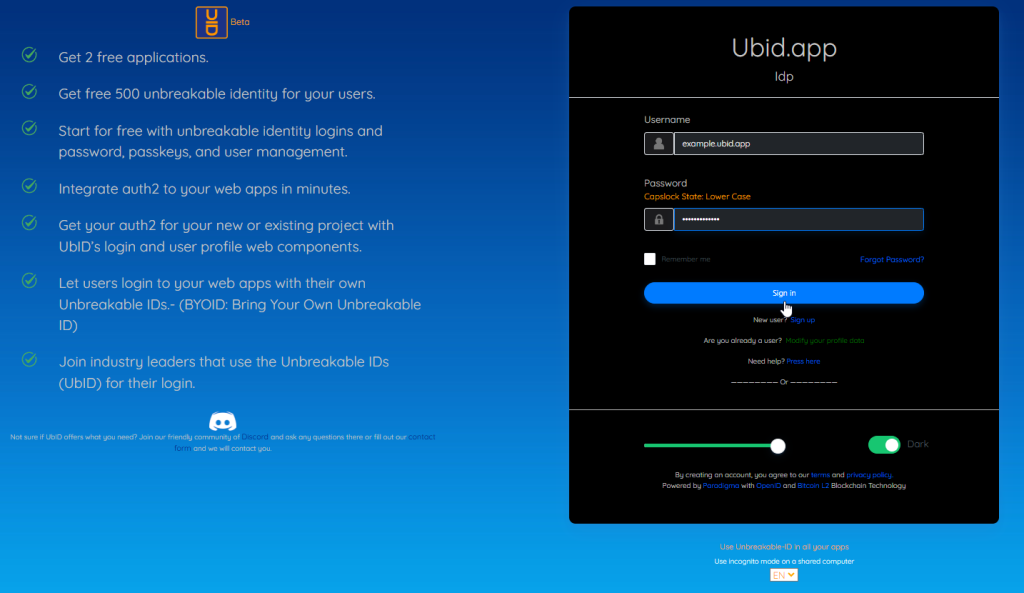
You must log in with your user ID that is formatted with ubid.app domain and your password (see article “How to open an account”), and press the “Log in” button.
3. Plan Administration
3.1 Initial screen for plan administration
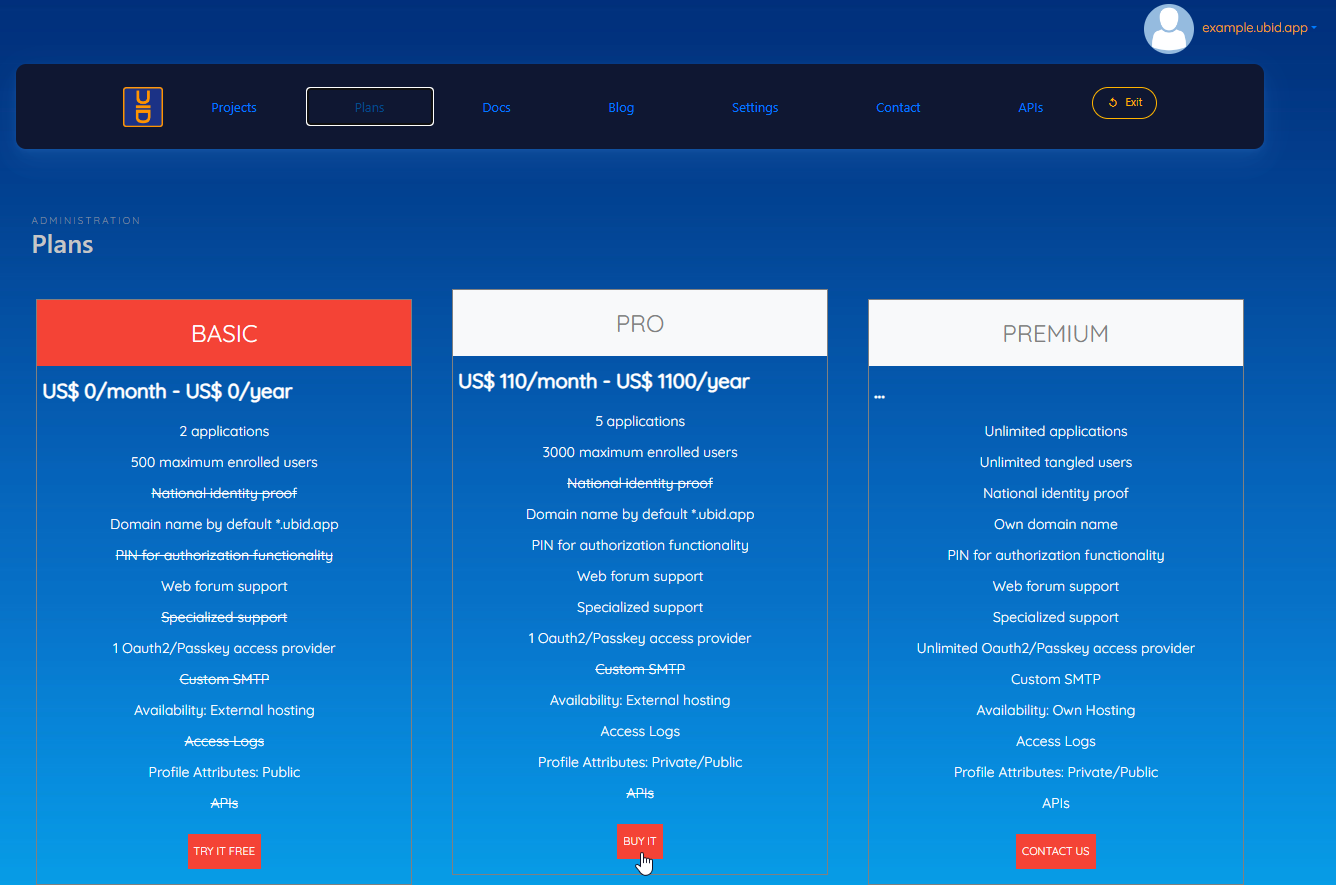
UbID consists of three plans, BASIC, PRO, and PREMIUM.
The BASIC plan is free and allows up to 2 applications under the UBID.APP domain, and 500 registered users maximum, it contains some restrictions, as indicated in the image.
The PRO plan allows up to 5 applications under the UBID.APP domain, and 3,000 registered users maximum, it has some restrictions, as indicated in the image. It has an associated monthly/annual cost. To start the purchasing process you must press the “Buy it” button.
The PREMIUM plan allows unlimited domains and applications, and unlimited registered users, you must contact our pre-sales executives for implementation. It has an associated monthly/annual cost. To start the implementation process you must press the “Contact us” button.
3.2 PRO Plan
As described before, the PRO plan allows up to 5 applications under the UBID.APP domain, and a maximum of 3,000 registered users, and contains some restrictions, as indicated in the image above. It has an associated monthly/annual cost.
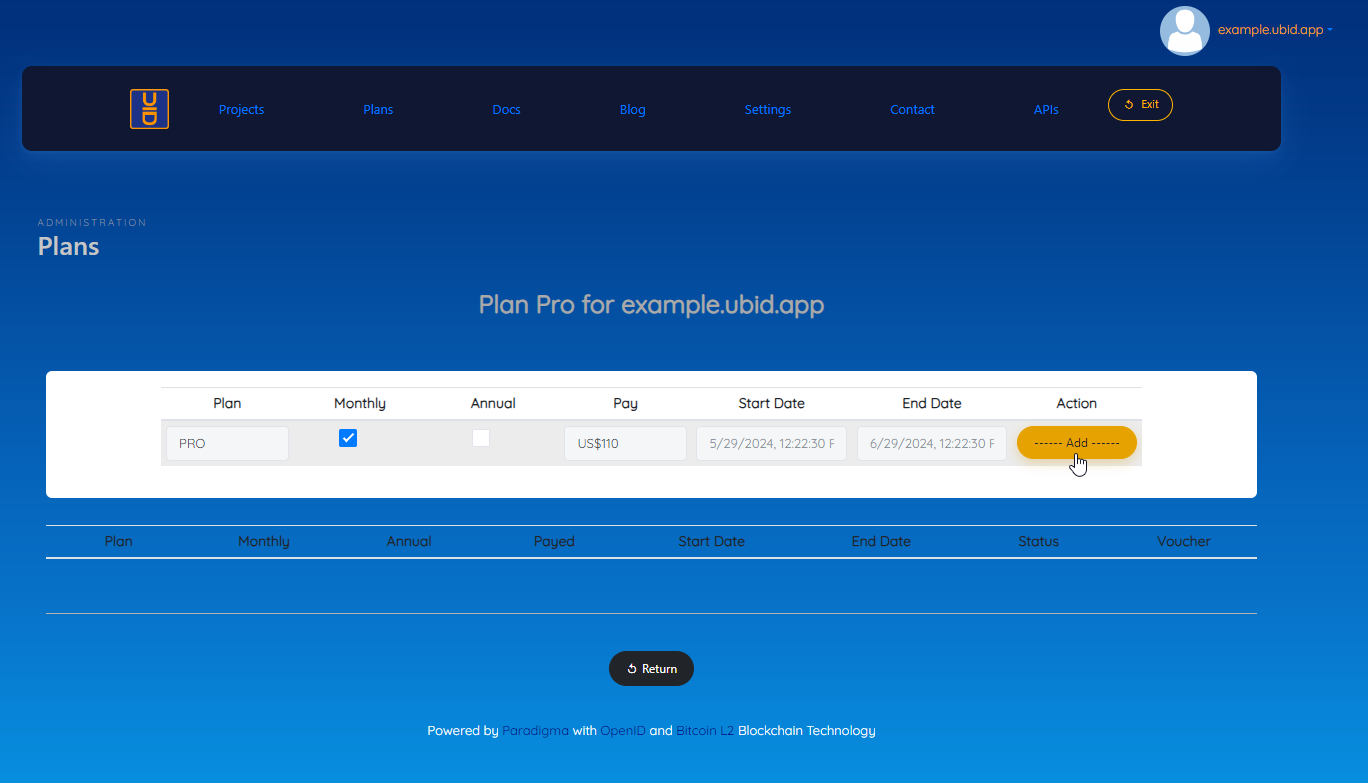
A screen is displayed for the administration of the PRO Plan.
To purchase or renew the PRO plan you must enter:
Monthly or Annual Option
Then click on the “—– Add —–” button
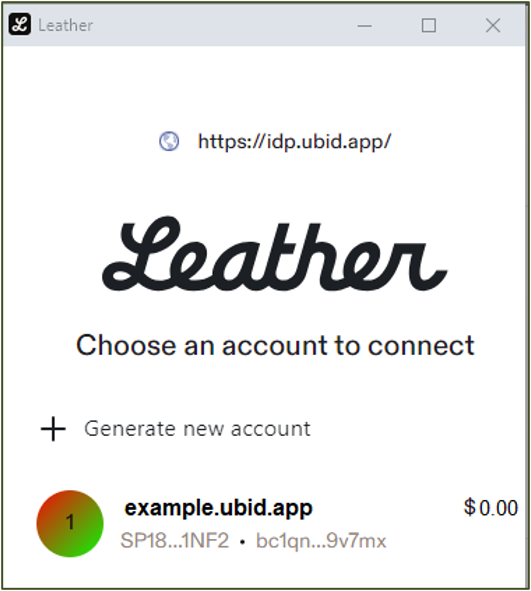
The system will request that you connect to the application wallet, as indicated in the following image:
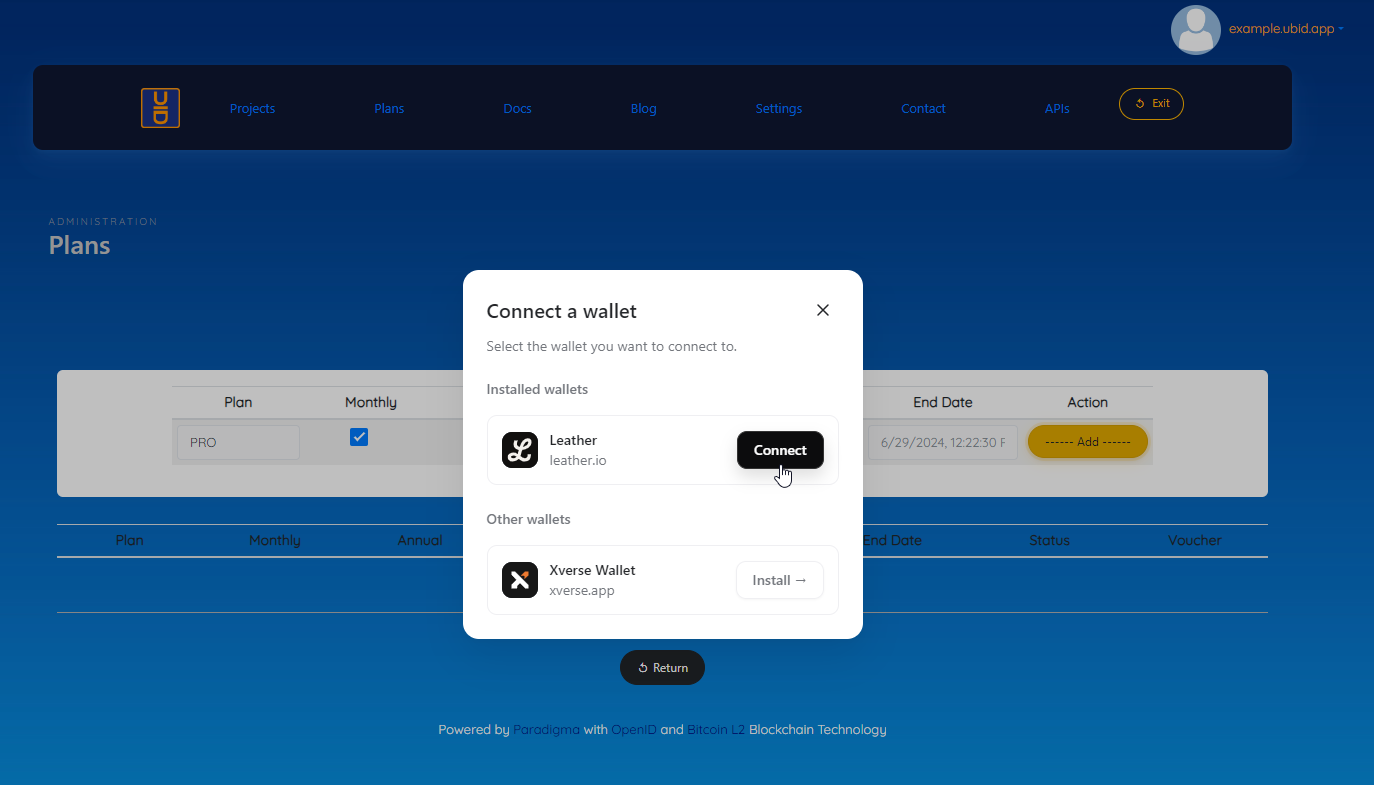
You must select your user ID
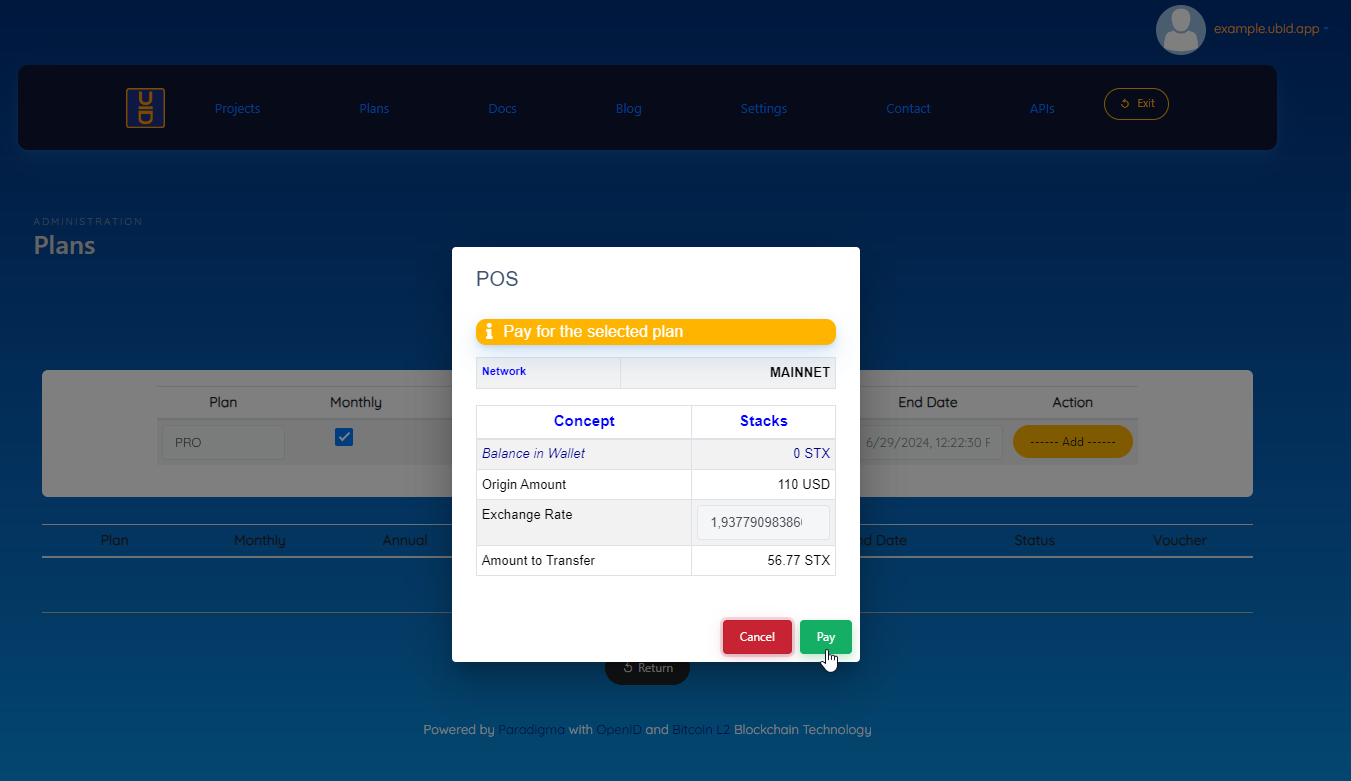
Once the user is selected, the system will display a detail of the amount to be paid.
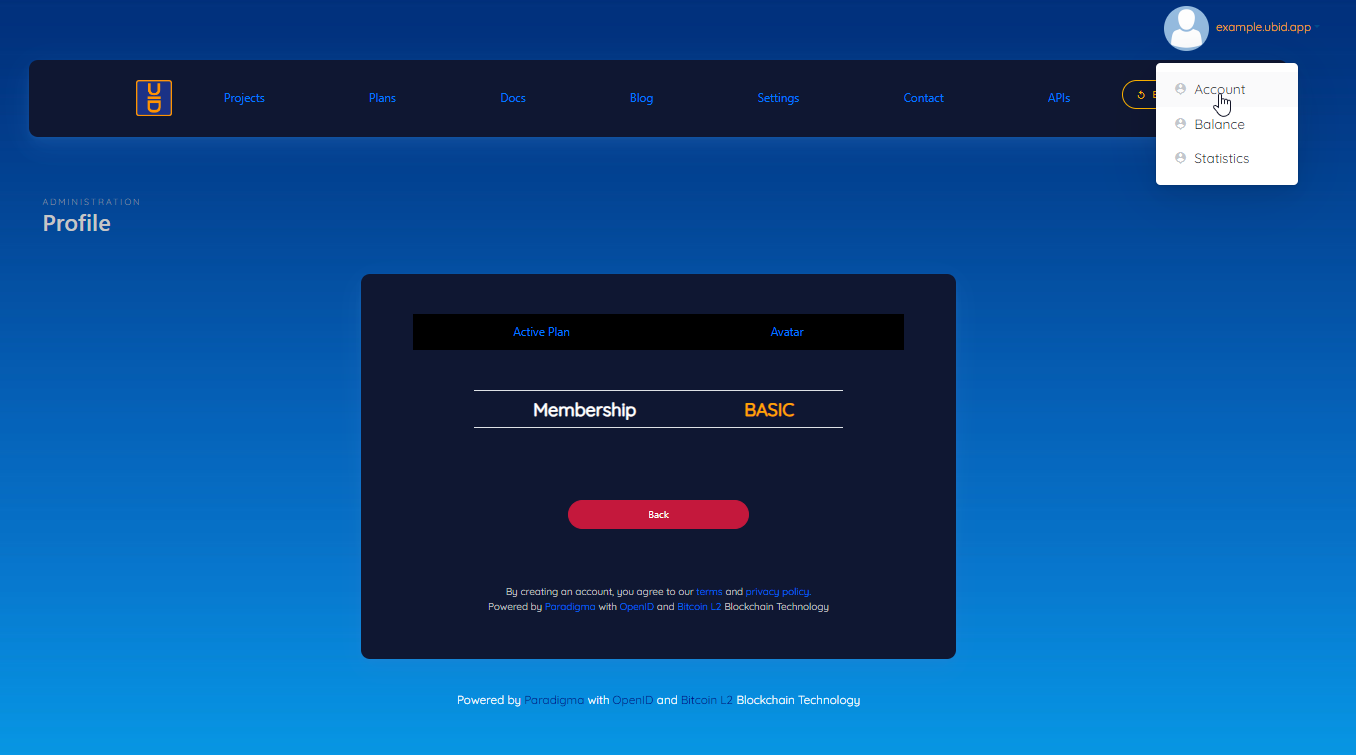
To verify the active plan, you must click on the username (top right of your screen), 3 options will be displayed, the first option “Account” shows the plan that is active.
4. Communication channels
The official communication channels are Discord https://discord.gg/6JfpFjadA2, and the email support@paradigma.cl